Create epic comics with AI
Create all the stories you ever wished you could. No drawing skills required.
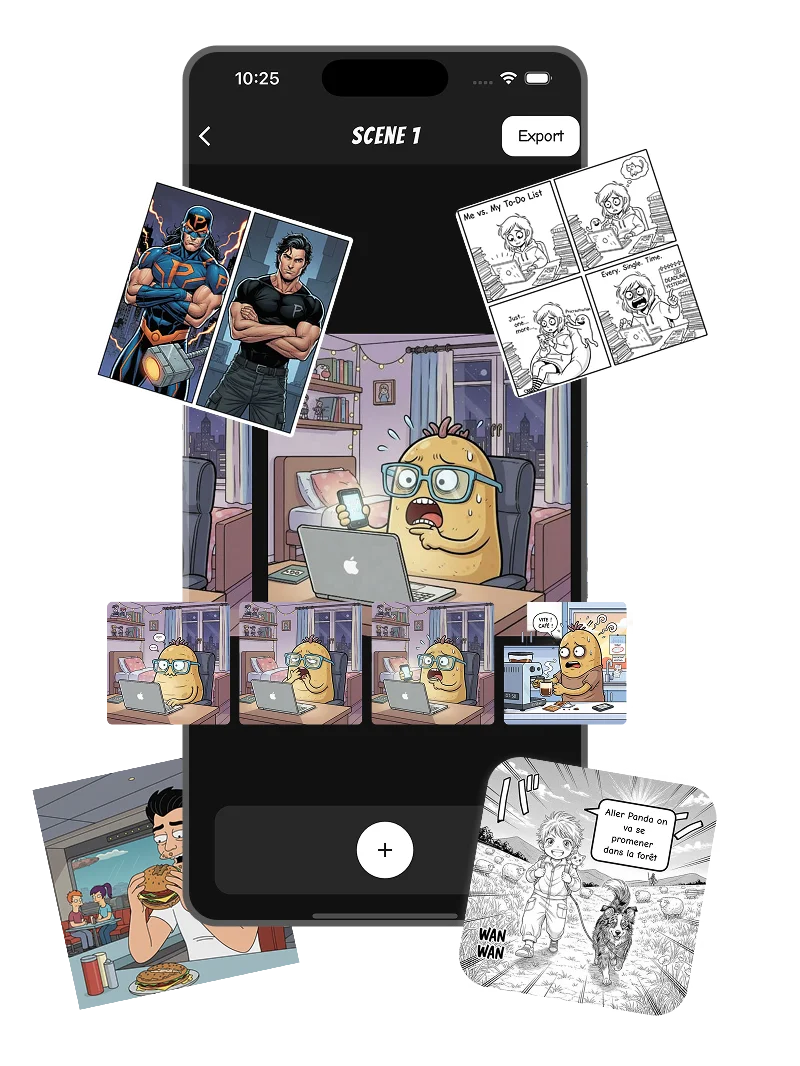
From idea to comic in seconds
Create your own comics, webtoons or manga in seconds with our AI-powered comic creator. Just enter a prompt, and let our AI do the rest.
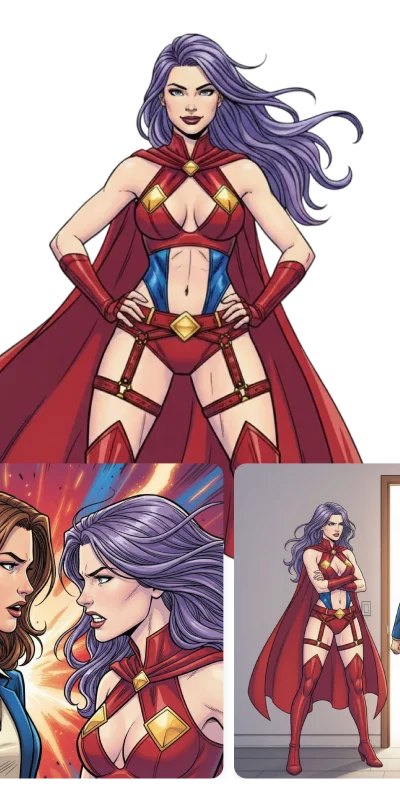
Consistent characters
Create your characters once and use them consistently. We ensure that your characters look the same in every panel.
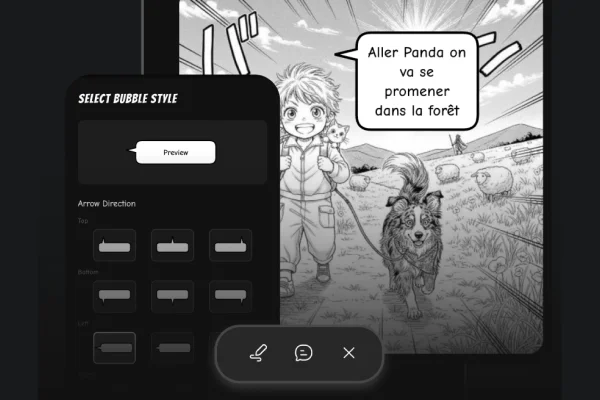
Make them talk
Advanced bubble editor to make your characters talk. Choose from a variety of bubble styles.
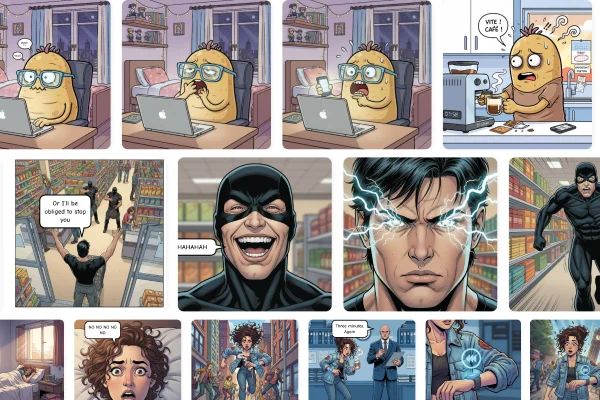
Export your comics
Easily export your comics in various formats to share with your friends or on social media.
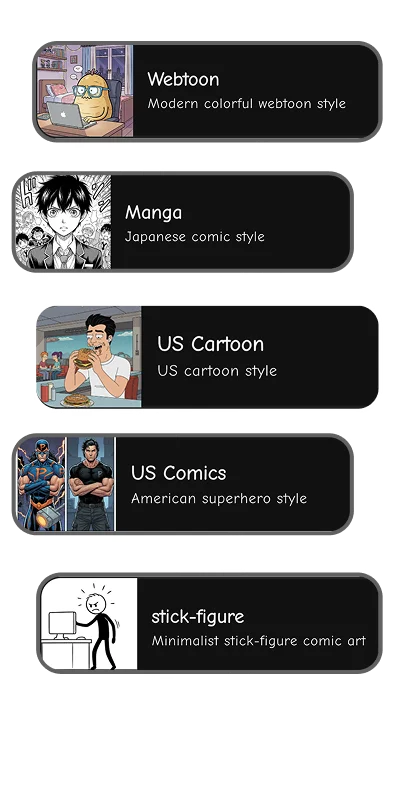
Choose your style
Choose from a variety of art styles, from manga, webtoon, to western comics, and everything in between.
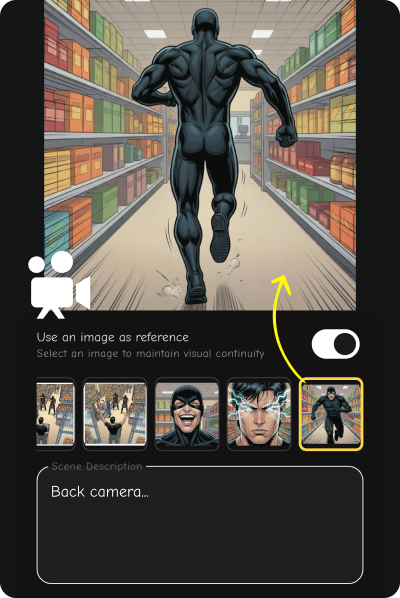
Create dynamic comics with ease
Choose your camera angle from a variety of options. We guide you through the process to create dynamic and engaging comics.
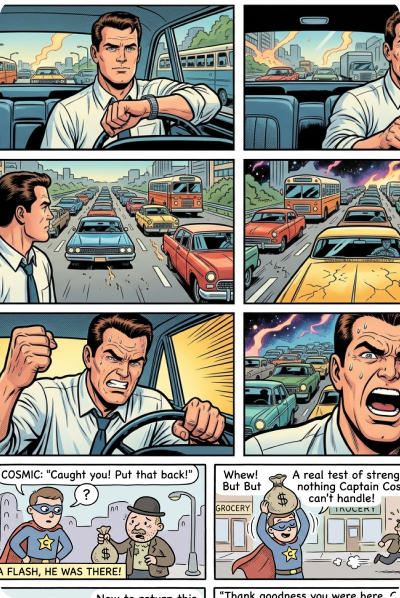
From retro to modern, create comics in any style
A wide range of art styles to choose from, including retro, modern, manga, webtoon, and more. Create comics in the style you love.
Start creating now
Download the app and make your first comic in seconds. No drawing skills required.
Frequently Asked Questions
Do I need drawing skills to make comics? +
Not at all. Our AI generates all the artwork for you. Just describe your scenes and characters — the app handles the rest. Anyone can create professional-looking comics.
What art styles can I create? +
Choose from manga, webtoon, western comic, cartoon, and more. You can pick a style before generating each panel to match the look you want.
Will my characters stay consistent across panels? +
Yes. Create a character once with our character creator and reuse them in every panel. The AI maintains their appearance, outfit, and proportions throughout your comic.
How do I add speech bubbles? +
Use our built-in bubble editor. Tap to add a bubble, type your dialogue, and drag it into position. Choose from speech bubbles, thought clouds, shout bubbles, and narration boxes.
Can I export and share my comics? +
Yes. Export your comics as images or share them directly to social media. We support single-panel and full-page exports in high resolution.
Is the app free? +
You can download the app for free and start creating right away. Some features require credits, which can be purchased in-app.