AI comic maker with speech bubble editor
Create professional comic with a speech bubbles editor. Multiple bubble styles, thought clouds, narration boxes, and SFX text.
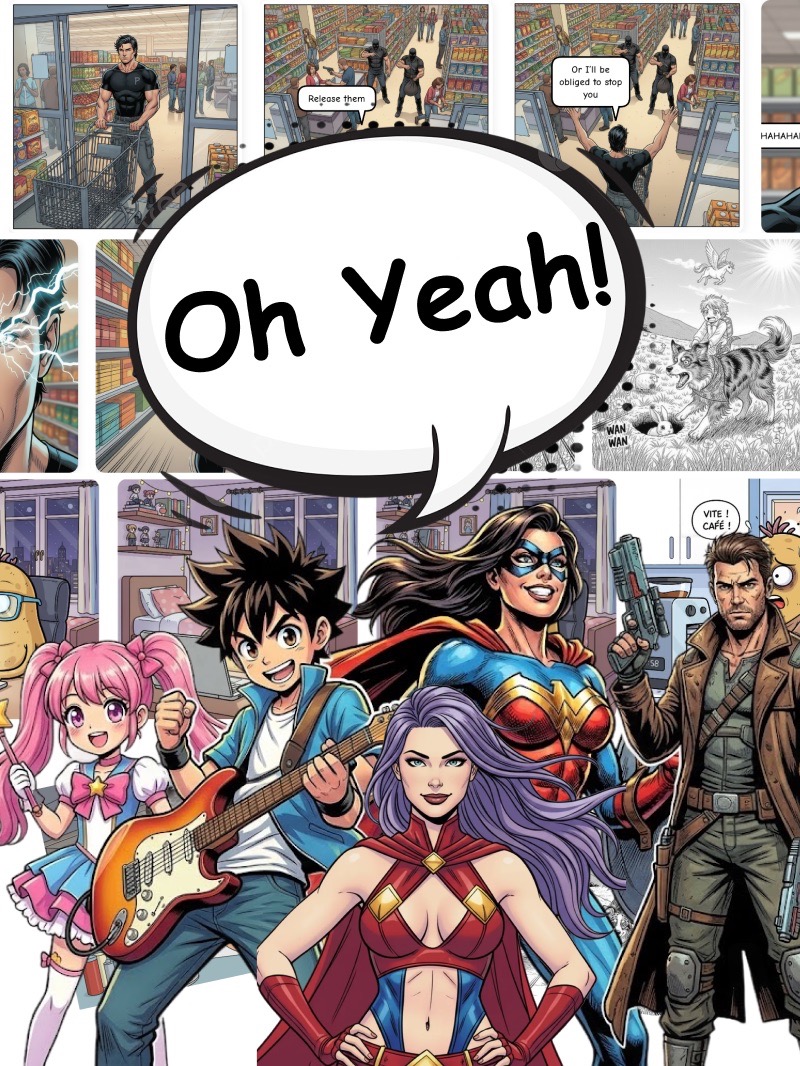
Everything you need to create
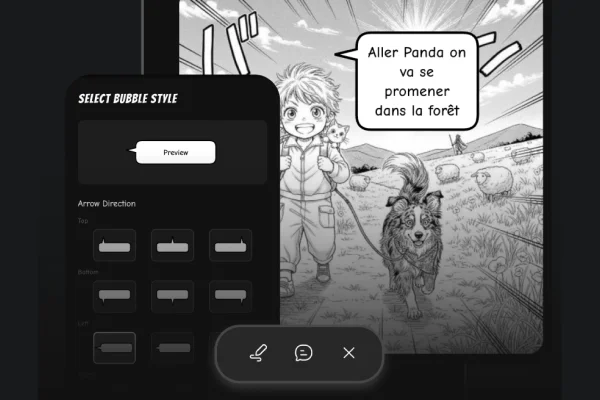
Multiple bubble styles
Choose from classic speech bubbles, thought clouds, shout bubbles, whisper bubbles, narration boxes, and more. Each style conveys a different tone and emotion.
Drag-and-drop placement
Position bubbles anywhere on your panel with simple drag-and-drop. Resize, rotate, and adjust the tail direction to point at the right character.
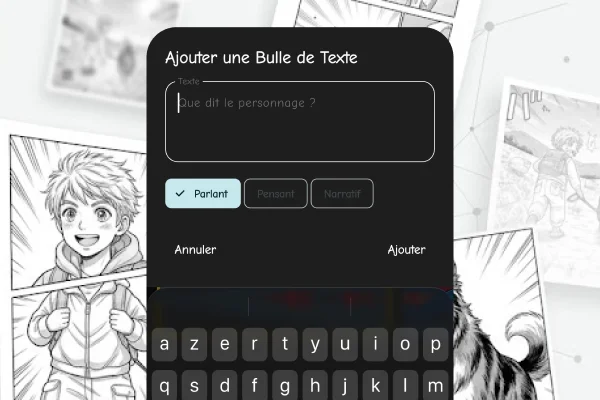
Export
Easily export your comics in various formats to share with your friends or on social media. Our high-resolution export ensures your speech bubbles look crisp and clear.
How it works
Generate your characters
Create your cast — save each as a reusable character the AI keeps consistent across panels.
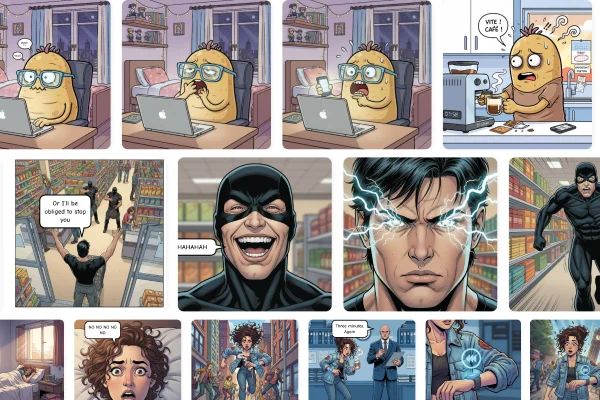
Build your comic scene by scene with speech bubbles
Prompt each panel and drop in speech bubbles — the AI renders the art using your saved characters while you control the dialogue.
Export your comic
Export the full comic in one shot, or download each panel as a separate image.
Related features
AI Manga Maker
Create stunning manga comics with AI. No drawing skills needed. Generate consistent characters, authentic manga art styles, and professional panels in seconds.
AI Character Creator
Design original comic characters with AI and keep them consistent across every panel. Create heroes, villains, and entire casts — no drawing skills required.
Superhero Comic Maker
Create your own superhero comics with AI. Design heroes, villains, and epic action scenes. No drawing skills needed — just describe your story and let AI do the art.
Frequently Asked Questions
What types of speech bubbles are available? +
We offer classic oval speech bubbles, cloud-shaped thought bubbles, jagged shout/scream bubbles, dashed whisper bubbles, rectangular narration boxes, and radio/electronic communication bubbles. Each has multiple style variants.
Can I customize the font inside bubbles? +
Yes. Choose from multiple comic-style fonts, adjust text size, and change text color. For manga-style comics, we include vertical text layout options.
How do I make the bubble tail point to a character? +
Simply drag the bubble tail anchor point toward the character who is speaking. You can adjust the tail length, curve, and direction for perfect positioning.
Is the speech bubble maker free? +
The speech bubble editor is included free in our comic maker app. Download from the App Store and start adding dialogue to your comics immediately.
Start creating now
Download the app and make your first comic in seconds. No drawing skills required.